

News and Articles
Company news, promotions, updates and interesting articles regarding HTTP proxies, Shadowsocks, Wireguard VPN and SOCKS5 in general
Company news, promotions, updates and interesting articles regarding HTTP proxies, Shadowsocks, Wireguard VPN and SOCKS5 in general
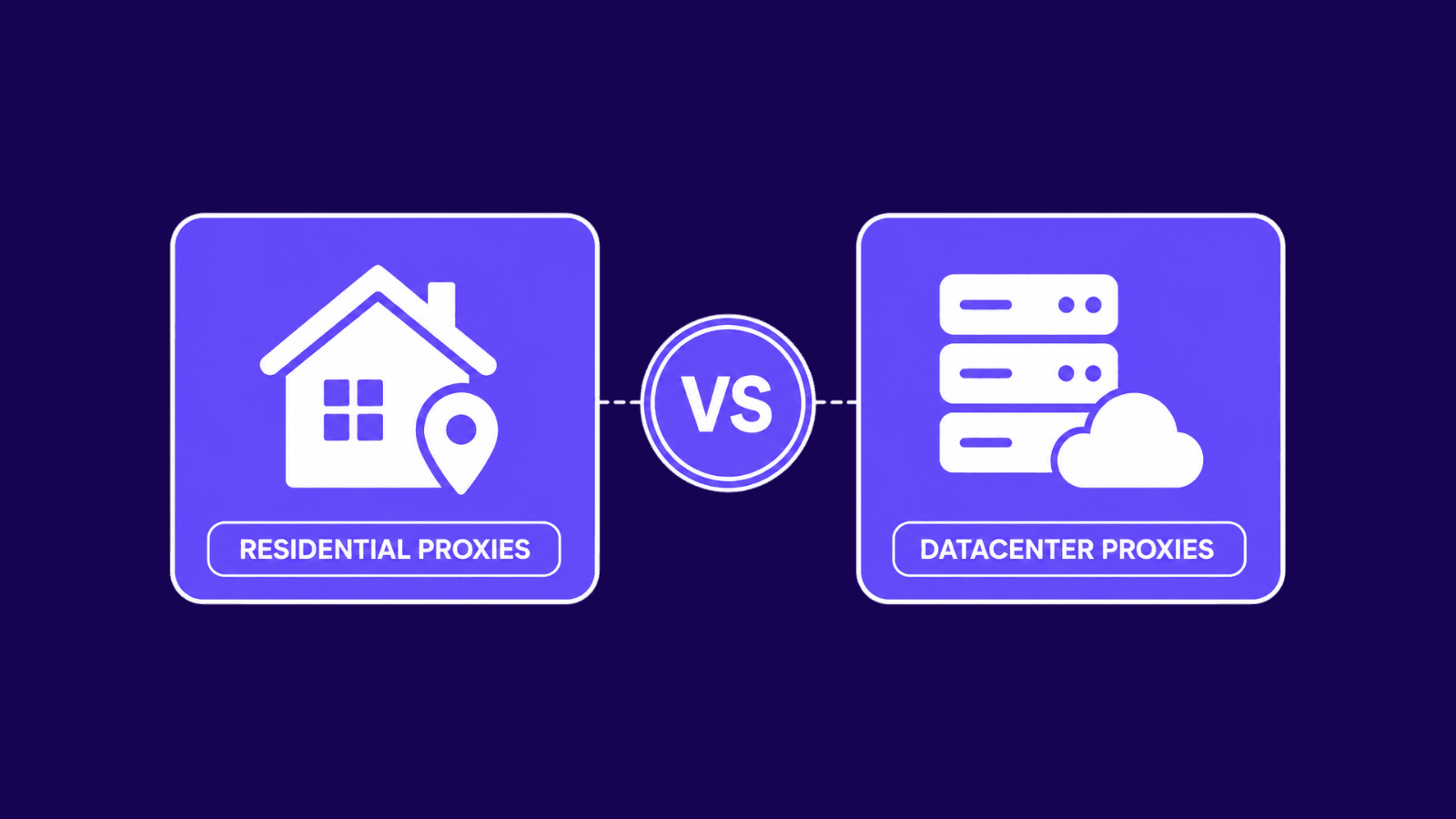
Learn how datacenter and residential proxies compare on speed, cost, block risk, and geo targeting. Pick what fits your project.
An anonymous proxy hides your real IP. Learn how it works, the three anonymity levels, and why sites can still spot one.
Managing more than one online account is not as simple as it used to be. Clearing cookies or switching browsers is no longer enough. Websites now look at more signals, including your browser fingerprint, session data, and IP address. When those overlap across accounts, the risk of verification, restrictions, or account links goes up.
That is why anti-detect browsers matter. They help keep browser identities separate, so each profile works like its own environment. Incogniton is one of the tools built for that purpose, combining isolated browser profiles, profile controls, and proxy support in one place.
In this guide, you will learn what Incogniton is, which features matter most, who it is best for, and why residential proxies make the setup more effective.
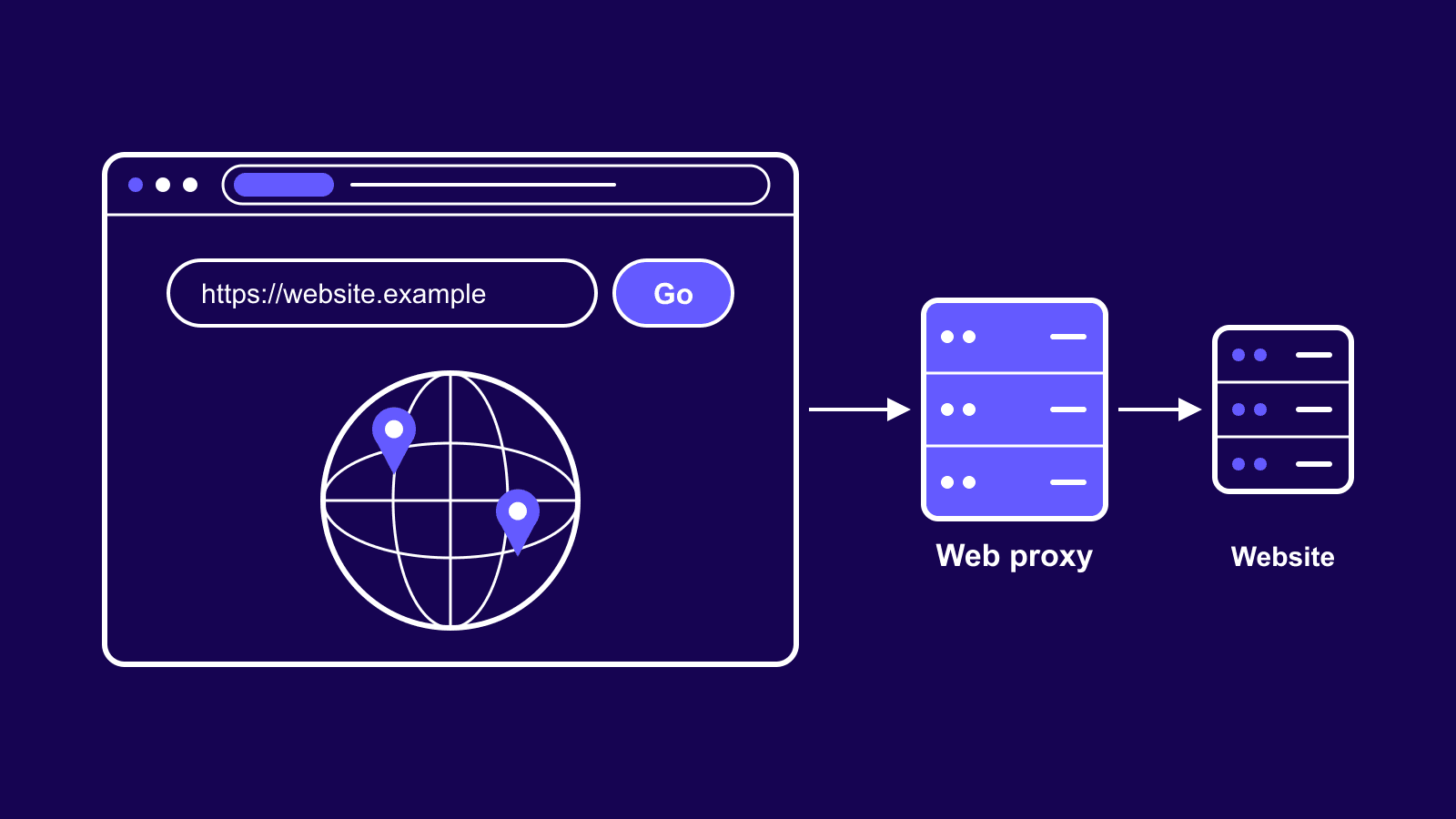
A web proxy loads pages for you so sites see its IP, not yours. Learn how it works, what its operator can read, and when you need a real proxy.
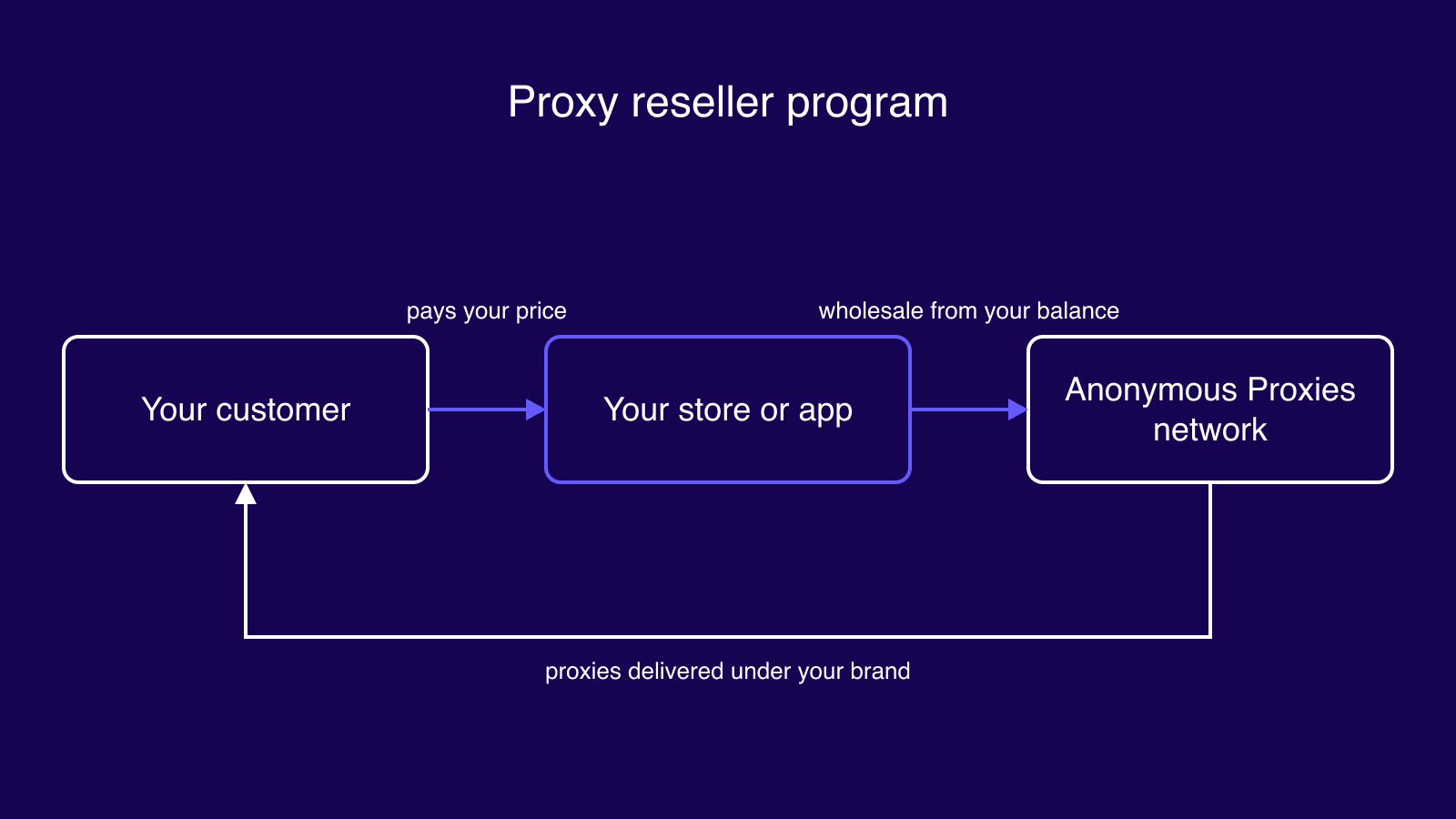
Resell our proxies under your brand through a white label store or our API. Wholesale from $0.80 per proxy, you set the price and keep the margin.
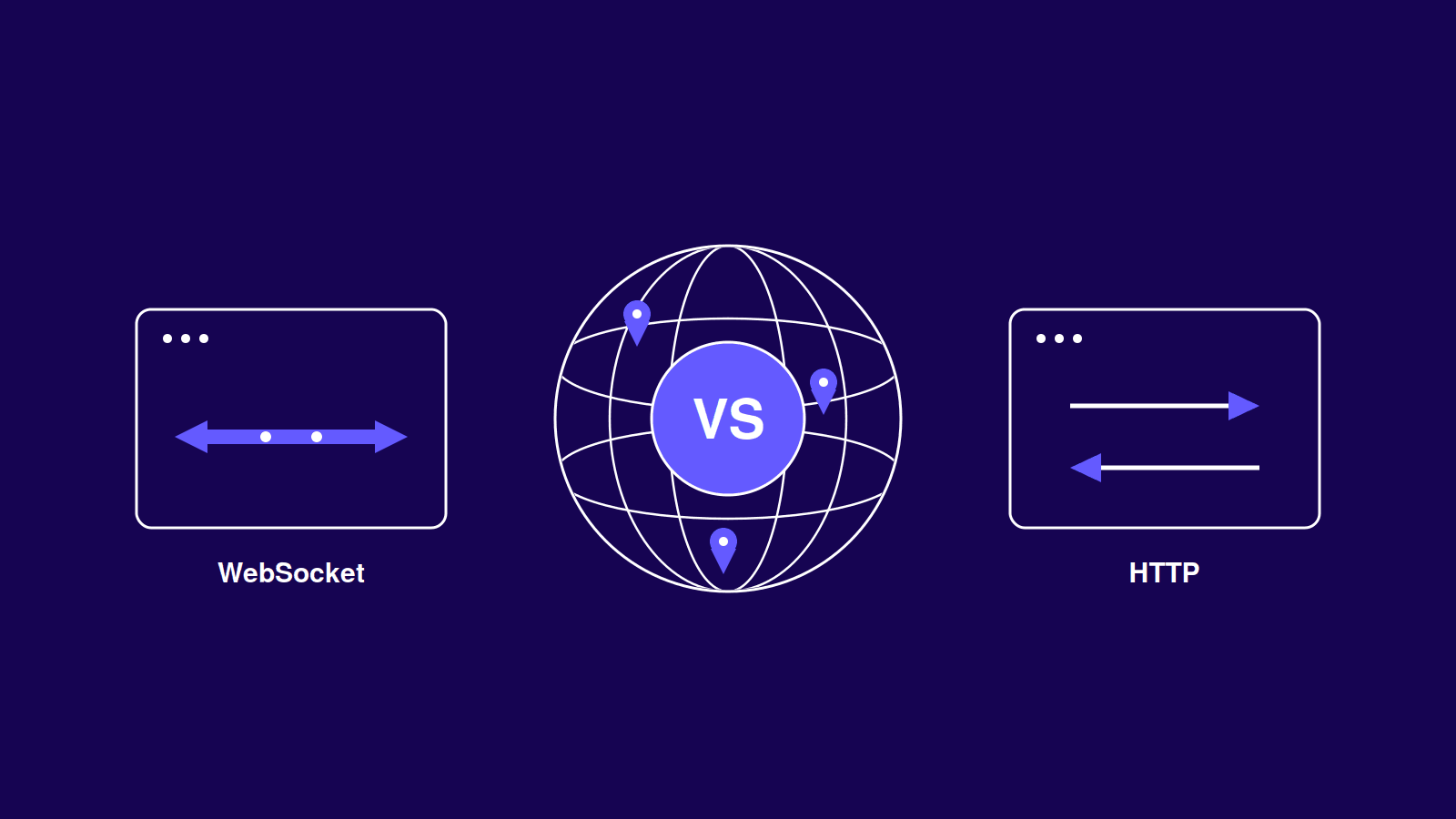
HTTP works request by request. WebSocket keeps one two-way connection open. See when to use each and how to route WebSocket traffic through a proxy.
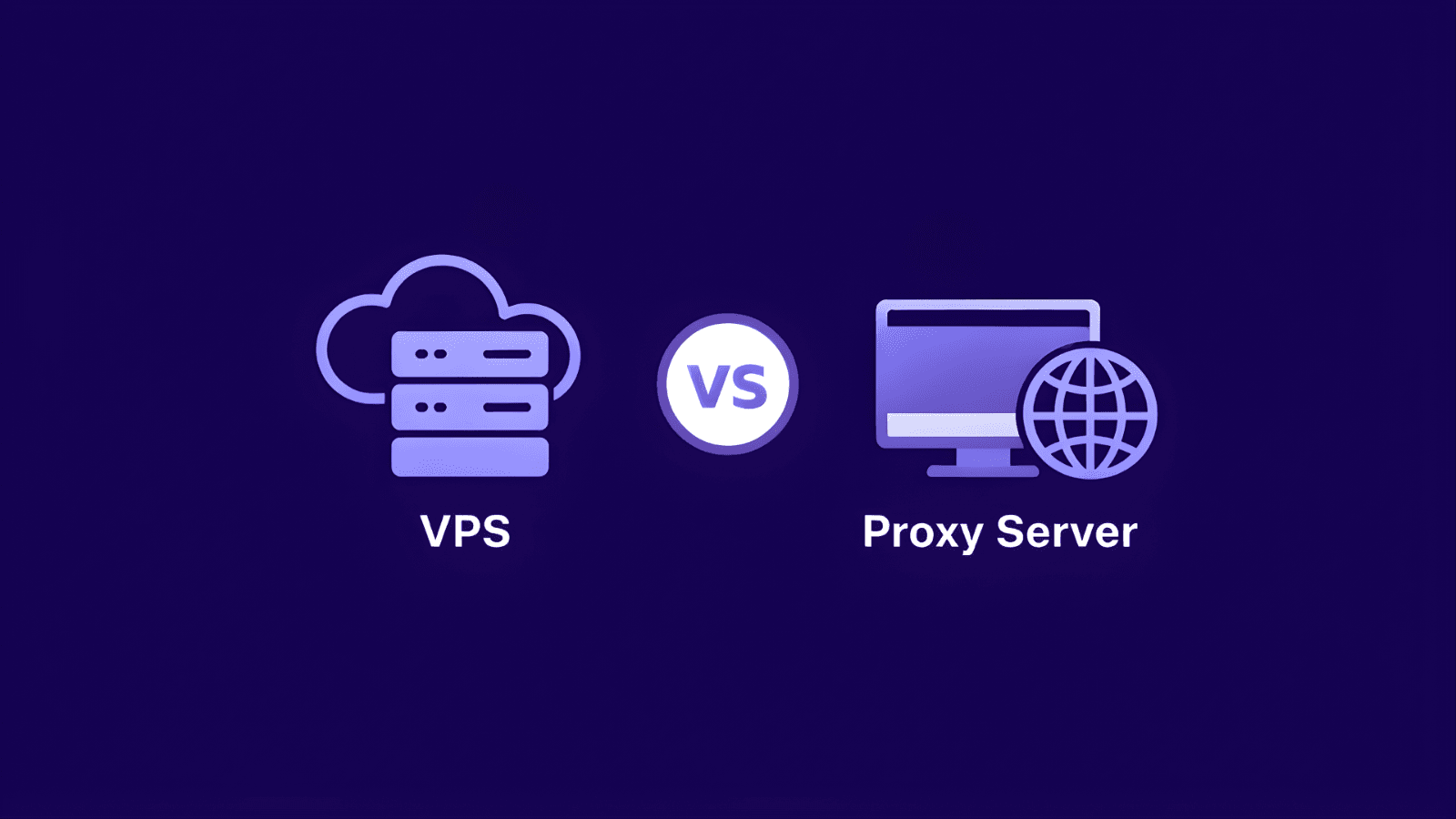
If you’re looking at VPS vs Proxy, the real question is simple: do you need a server you can control, or do you need a better way to manage how your traffic reaches the web? While they can seem similar at first, they do very different things. A VPS is built for hosting and running software, while a proxy is built for routing traffic through a different IP. In this article, we’ll break down the difference, when each one makes sense, and when using both together is the better choice.
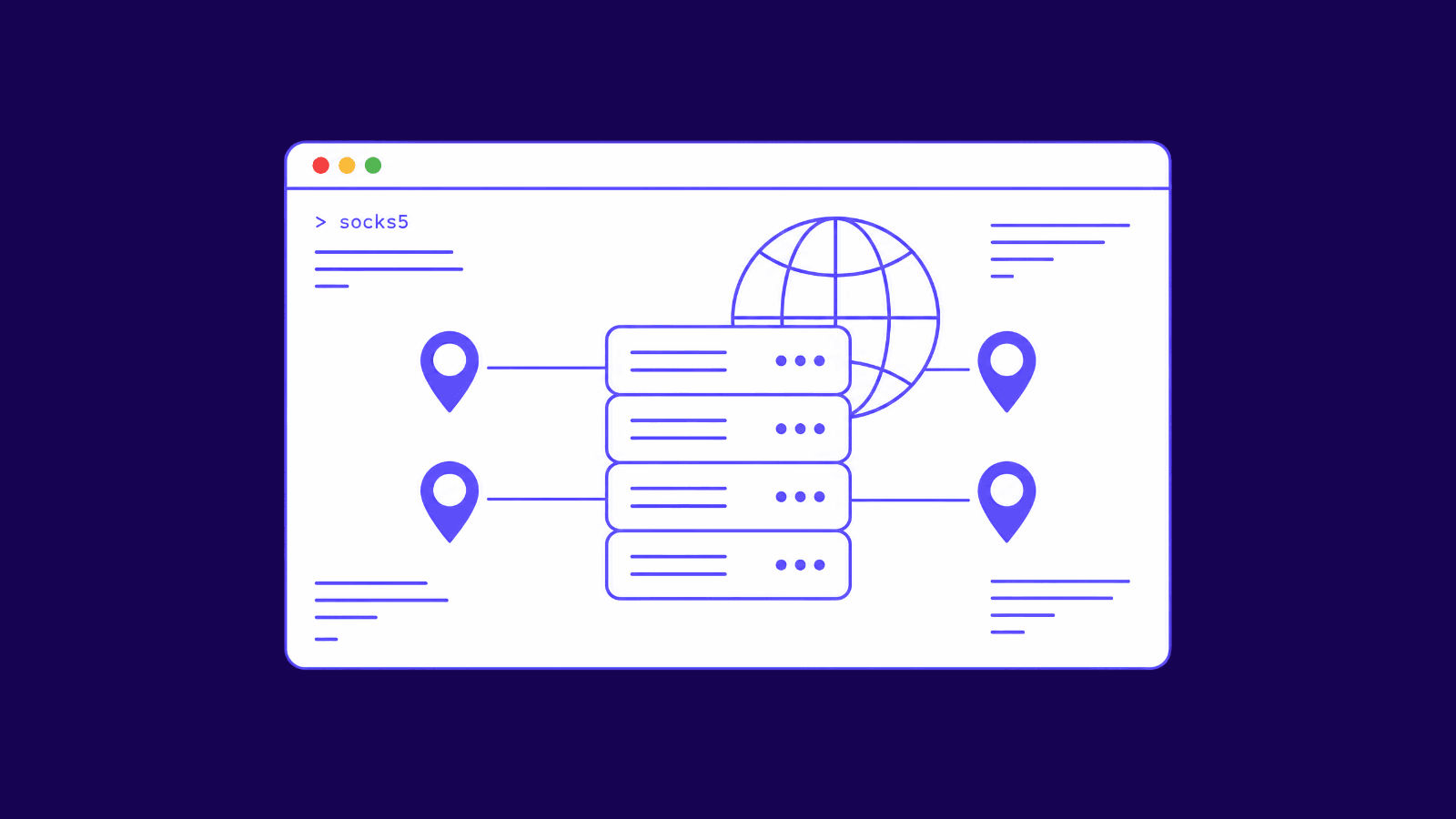
A SOCKS proxy routes any app's traffic through one IP. Learn how SOCKS5 works, how it differs from HTTP proxies and VPNs, and when to use it.
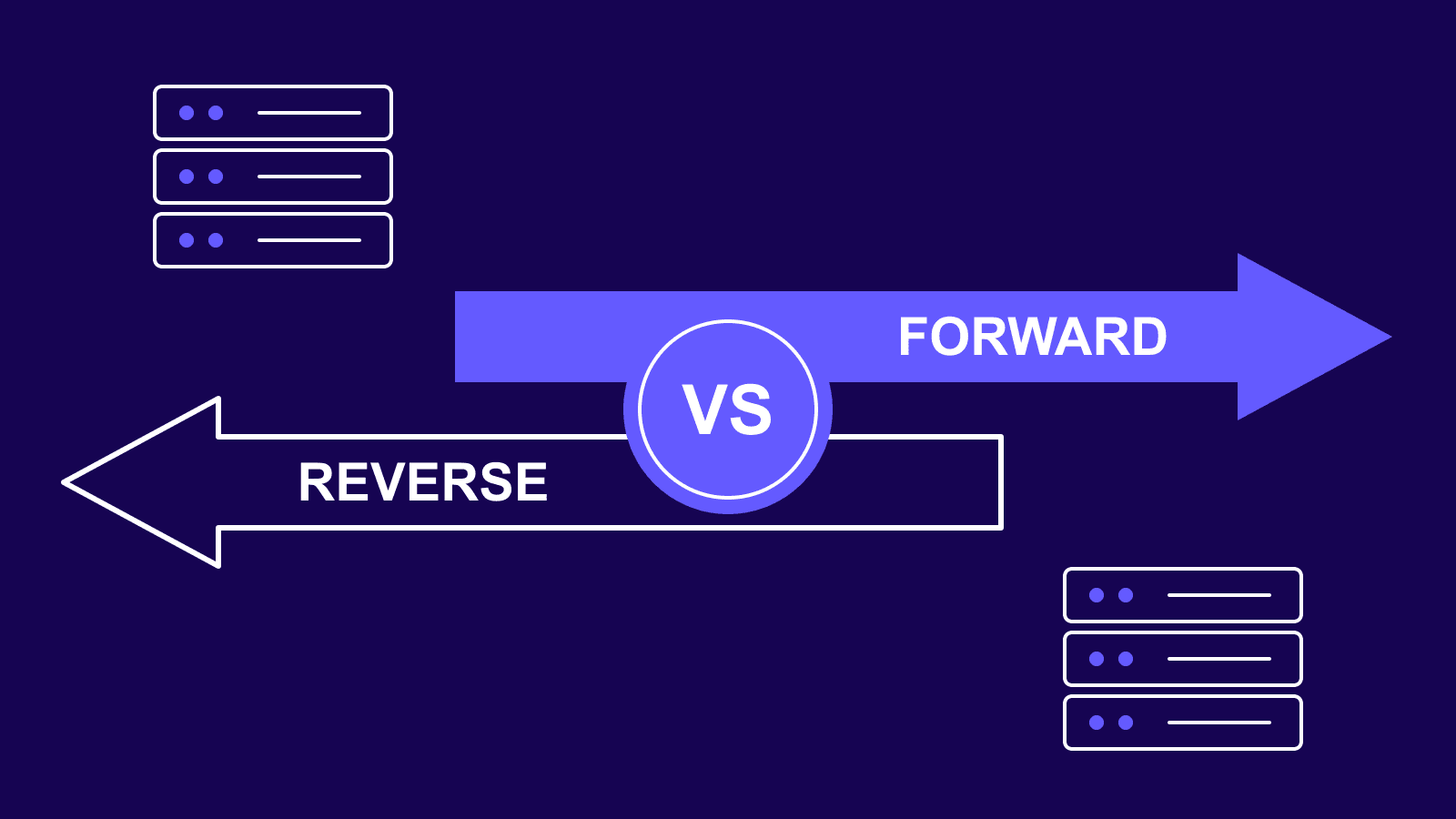
Forward proxy vs reverse proxy explained simply: one protects clients, the other protects servers. Learn how each works and which one your task needs.
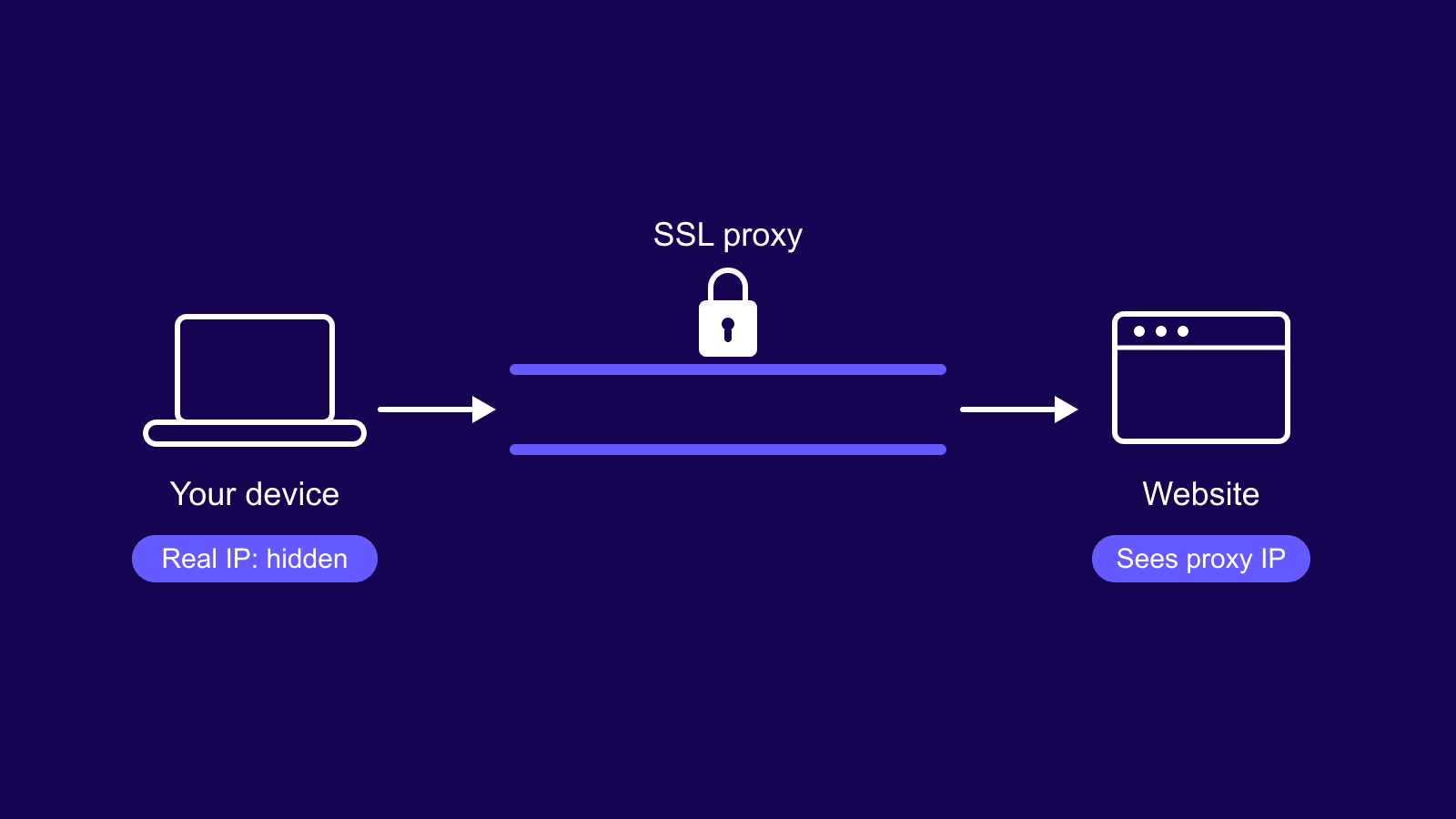
An SSL proxy (or HTTPS proxy) routes your traffic through an encrypted tunnel and hides your IP. Learn how it works, why 'SSL' means TLS, and when to use one.
An HTTP proxy routes your web traffic through another IP. Learn how it works, how it handles HTTPS, and when SOCKS5 or a VPN fits better.
HTTP vs SOCKS proxies compared: how each works, speed, security, ports, and use cases, plus a simple rule for picking HTTP or SOCKS5 for your task.
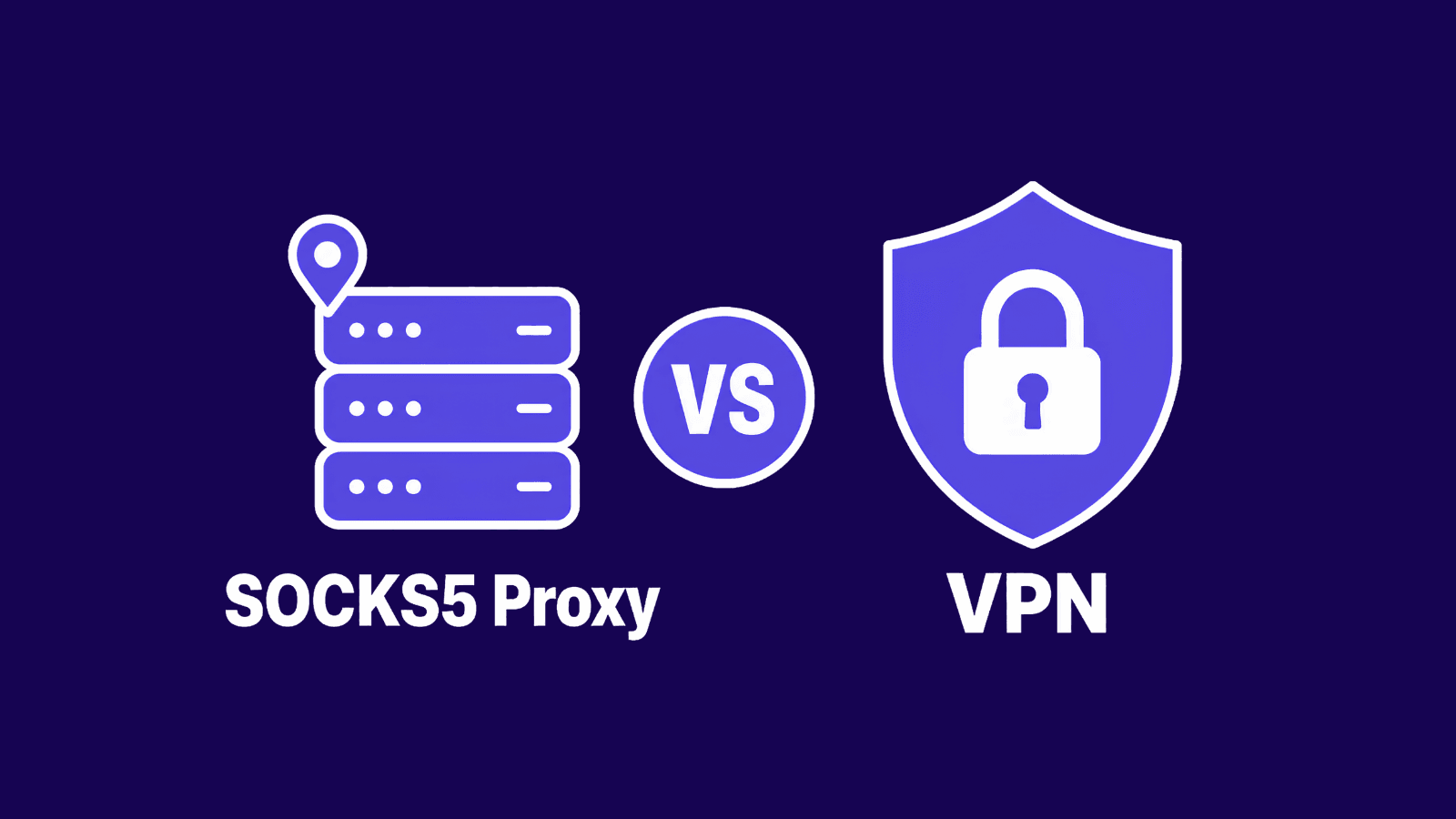
SOCKS5 proxy vs VPN compared: how each works, speed vs encryption, when to use which, and whether you can run them together.
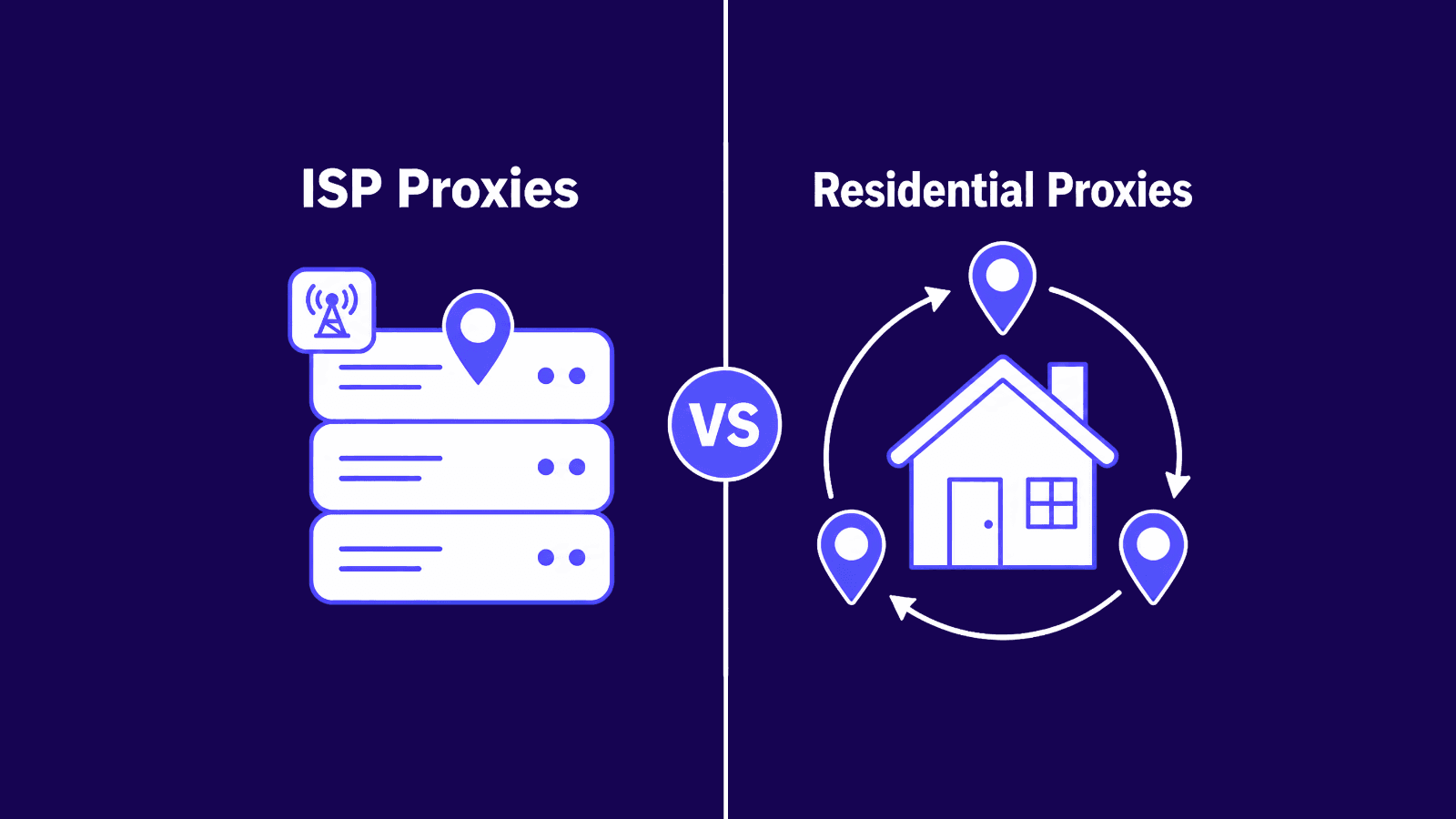
Compare ISP vs residential proxies on speed, rotation, pricing, and detection risk, and learn exactly which proxy type fits your task.
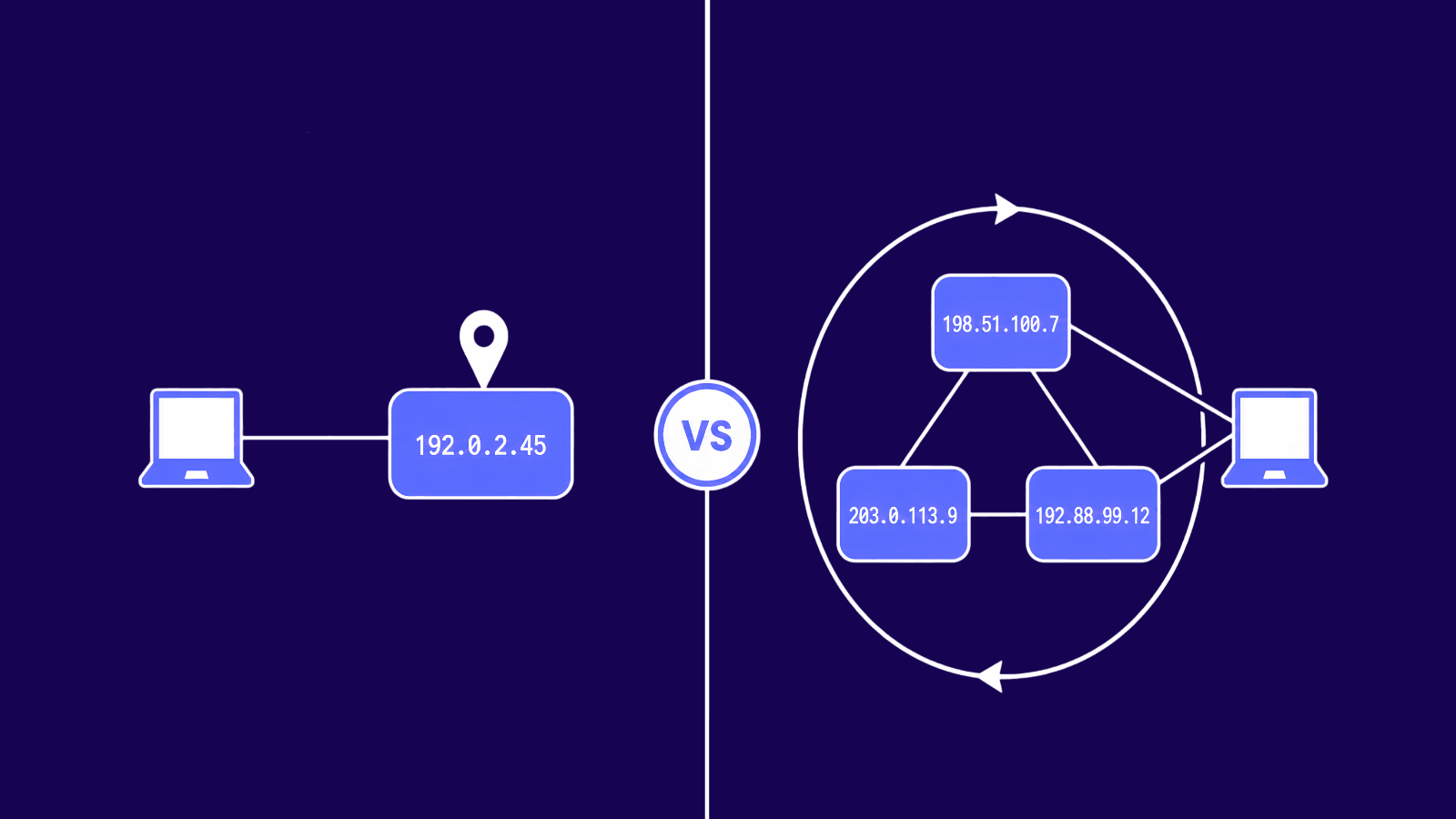
Sticky proxies hold one IP for your session, rotating proxies switch every request. Learn which one fits your task and when to use each.
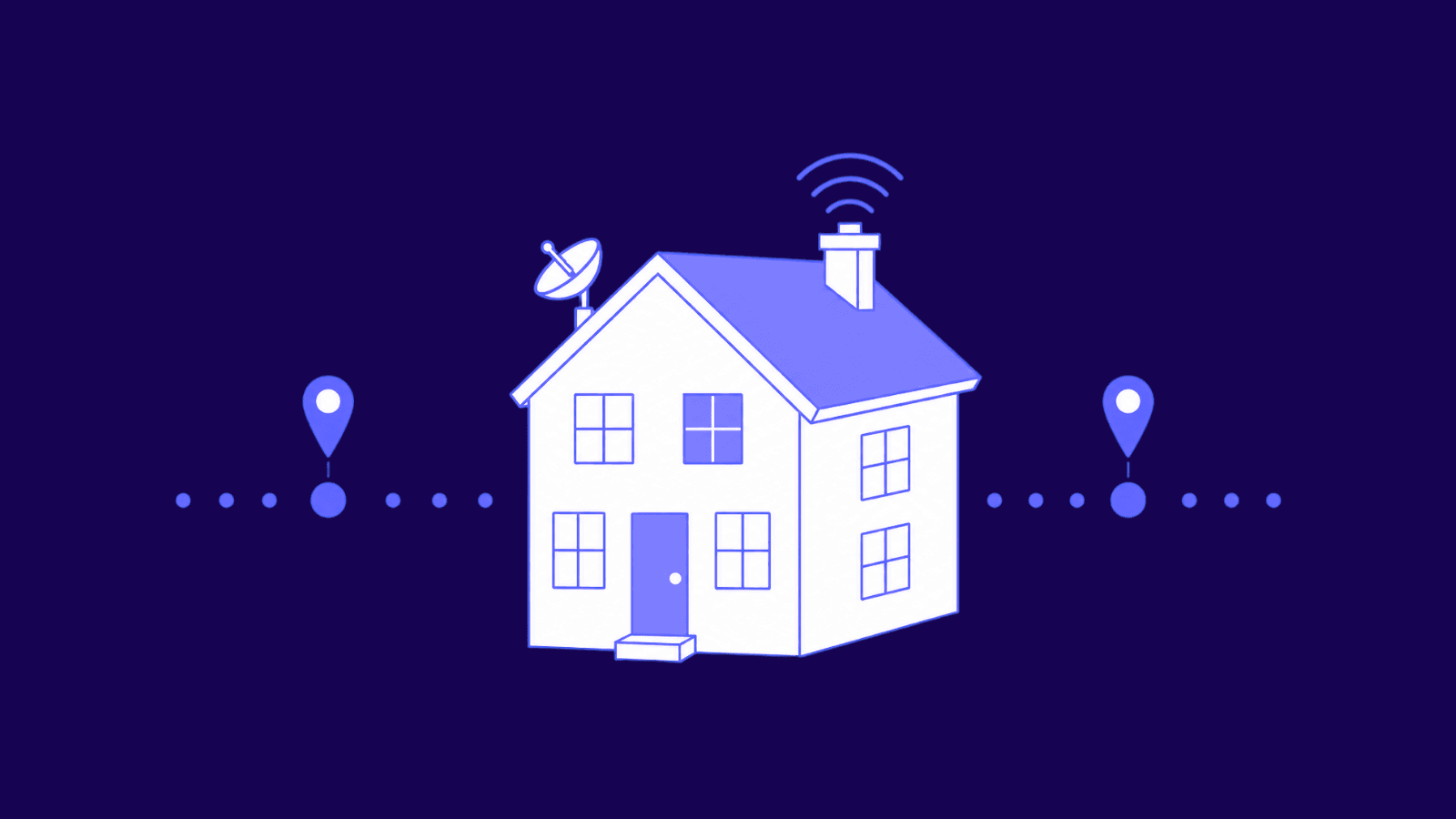
Learn what residential proxies are, how they work, and when to use them for scraping, price monitoring, SEO checks, and ad verification.
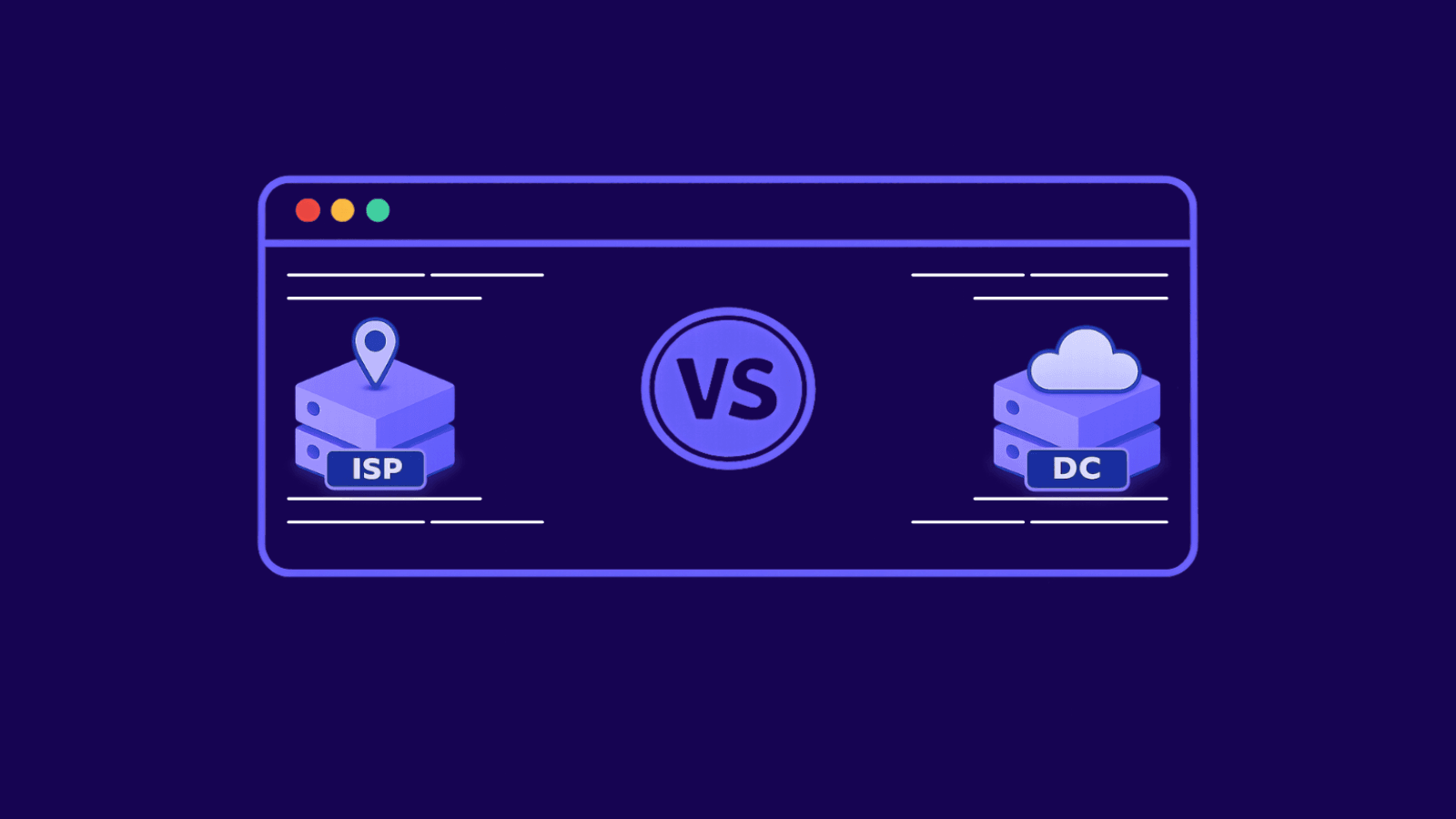
Not all proxies do the same job. Some are built for speed, scale, and large request volumes. Others are built for stable sessions and traffic that looks more like a real user. That is the core difference between datacenter proxies and ISP proxies.
On the surface, they seem similar. Both hide your real IP and route traffic through another server. In practice, websites treat them differently, and that affects block rates, session stability, and cost. This guide explains exactly what they are, their differences, where each one works best, and how to choose the right option for your use case
Learn how to download files with cURL, from basic flags to proxy routing, bulk IP rotation, and fixes for the most common errors.
Strong on network-level privacy. Useless against a bad click. Here's the line between the two.
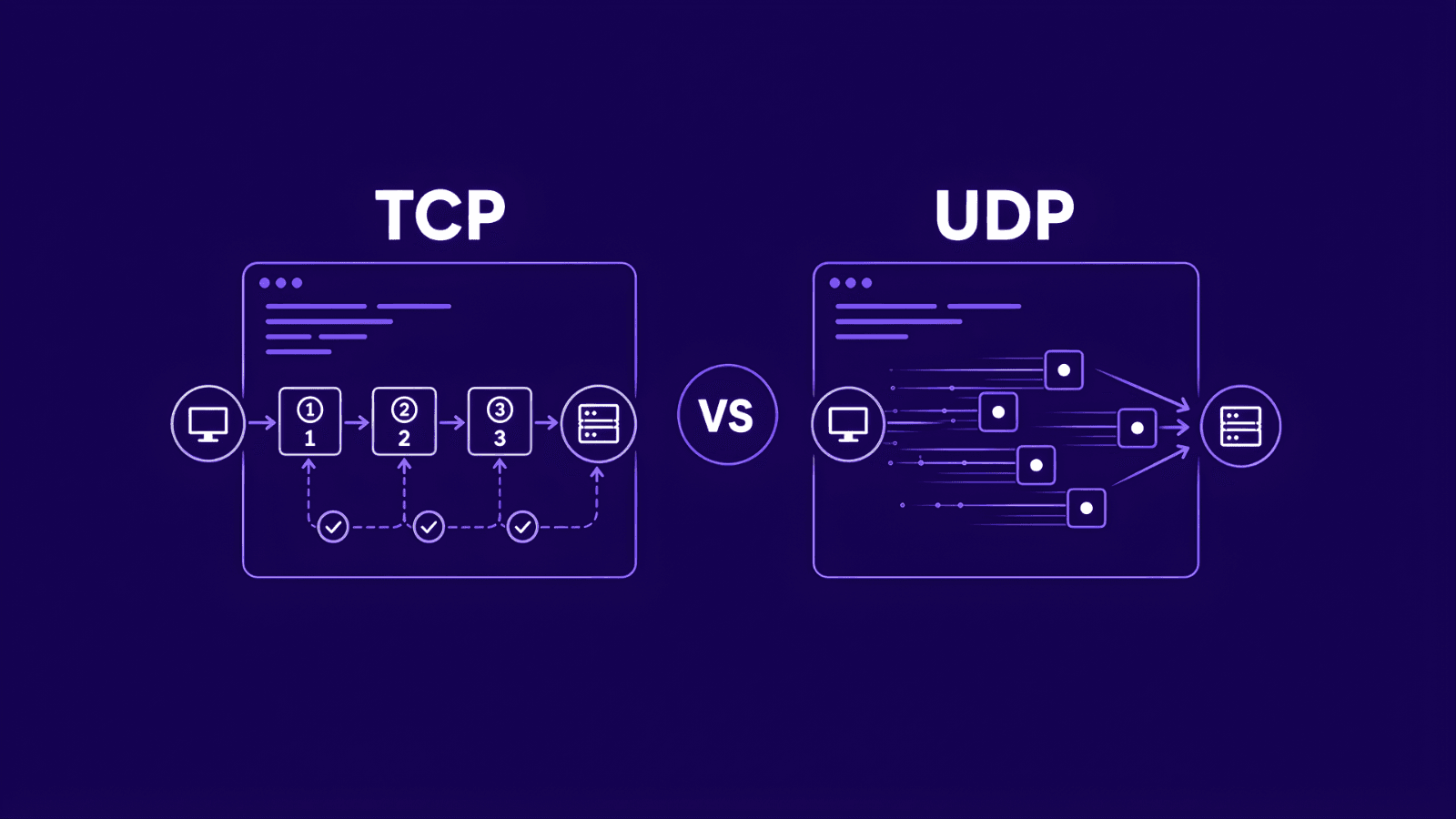
TCP vs UDP explained simply. Learn the key differences, when to use each, and how the choice shapes your proxy setup for any task.
The numbers that actually define ISP proxy economics in 2026: market size, bot and AI traffic, IP infrastructure, commercial use cases, and scraping law. 48 primary-source statistics aggregated from 34 named regulators, anti-bot vendors, market research firms, and court filings. Refreshed every quarter.
WireGuard VPN offers rapid, secure connectivity with advanced encryption, ideal for seamless browsing, overcoming web restrictions, and ensuring robust online privacy.
This article delves into the innovative Residential Wireguard VPN, detailing its benefits over traditional VPNs by using real ISP-based IP addresses for superior online privacy, access and security.
In this article, we’ll see exactly the top five reasons why a Residential WireGuard VPN beats classic VPNs and I'll also show you how can you use our Residential WireGuard Vpn in a few simple steps.
This article will show you what Amnezia VPN is, why stealth over WireGuard helps on monitored networks, its most common use cases and how to set it up in a few minutes.
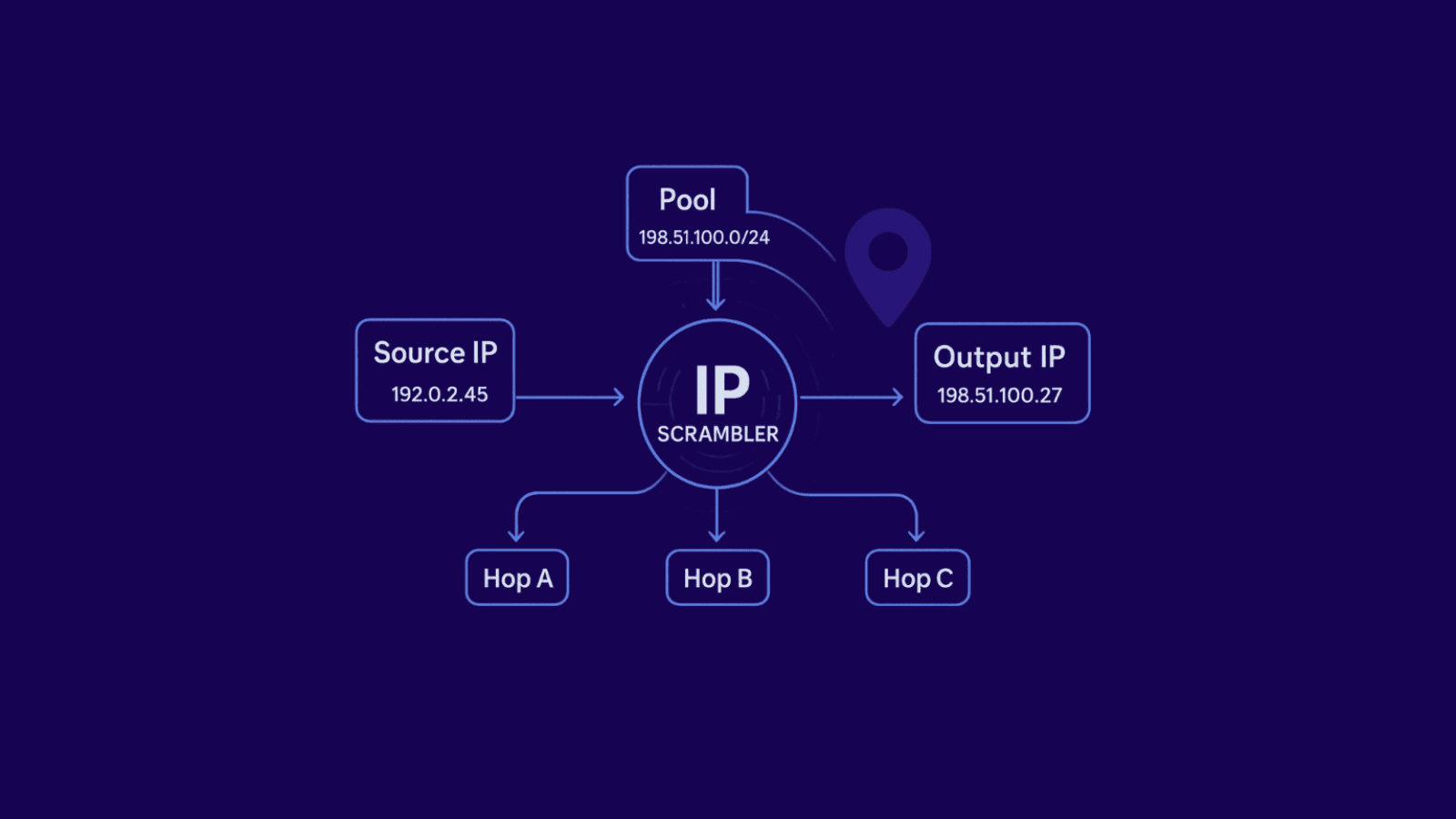
If you’ve ever searched for an “IP scrambler,” you’ve probably noticed it isn’t a single magic button you install on your laptop. In practice, “IP scrambler” is a catch-all term for technologies that change or rotate your public IP address so websites see different sources for your requests. Businesses use this to protect privacy, reduce blocking, and scale data collection or account operations without tripping alarms. In this guide, we’ll take a look at what an IP scrambler really is, how it works, and how it is used.
Shadowrocket, an iOS app, optimizes internet connections and enhances privacy. It allows custom proxy and VPN configurations, offers various features for secure and personalized browsing, and integrates with residential IPs.
In this article, we discuss the issue of IP bans, explaining what an IP ban is, why it occurs and how you can bypass it. We'll also talk about some tips to avoid future IP bans.
In this article, we will take a look at how proxies for Zoosk can enable a user or customer use this dating site anonymously without any limit. Learn how proxies help navigate regional differences, create multiple accounts and automate online actions.

One minute you are answering DMs, the next Instagram freezes. Likes and follows stop going through. You logged into a few accounts on the same cafe Wi-Fi, pasted the same comment a dozen times, maybe tried a free VPN, and now nothing loads. Switch to mobile data and it works. When you are back on your home internet, it still fails. Well, it smells like an IP reputation issue. In this article we will explain what an Instagram IP ban is, why it happens, how to spot it fast, and some safe ways to get back in and prevent a repeat.
Page 1 of 5