How to Send HTTP Headers With cURL: A Beginner's Guide
HTTP headers contain most of the context that will inform a server who you are, what you want, and how to respond. Using cURL you'll be able to add, read, and troubleshoot those headers to ensure that your scraping or API calls are reliable. This guide will show you how to work with headers in cURL, how to send and view them, its use cases, and how you can solve common header issues.
Valentin Ghita
Technical Writer, Marketing, Research
Mihalcea Romeo
Co-Founder, CTO
Short overview of HTTP headers and cURL
HTTP headers are tiny lines of metadata that travel with every request and response. They tell a server who you are, what formats you accept, how you authenticate, whether something is cached, and much more. cURL is a small but powerful command line tool that lets you set those headers precisely. If you build or debug APIs, test integrations, or route traffic through a proxy, cURL plus the right headers is the fastest way to reproduce and fix issues.
Which headers does cURL send by default
By default, cURL composes several headers for you. You will usually see:
User-Agent: curl/<version>so servers know the client type.Accept: */*which means “I can accept any content type.”Host: <hostname>derived from the URL you call.Content-LengthandContent-Typewhen there is a request body.Expect: 100-continuemay appear for larger uploads to avoid sending the whole body before the server is ready.
You rarely need to set these manually. It is better to override only what you actually need.
To see exactly what a server received from you while you experiment, point a request at a header echo endpoint in your examples. For instance:
How to add HTTP headers with cURL
You add headers with -H or --header. Each header uses the Name: value shape. Repeat the flag to include more than one.
The core -H "Name: value" pattern
On macOS or Linux, single quotes are handy when values contain shell characters:
On Windows, use curl.exe and double quotes to avoid PowerShell alias quirks:
Adding your own custom headers
Custom headers carry correlation IDs, feature flags, and other context your app understands. Here is a simple pattern you will reuse a lot:
The response will reflect your headers, which makes it easy to confirm spelling, casing, and values.
Advanced header tricks in cURL
Use verbose output to inspect headers
Verbose mode prints the full exchange. Lines that start with > are what you sent. Lines that start with < are what the server returned.
Adding -o /dev/null keeps the terminal focused on headers rather than the body.
Attach multiple headers in one request
Repeat -H to include several headers. cURL preserves the order.
Suppress or remove default headers
You can explicitly clear headers that cURL would send. This is useful for tests that must mimic very specific clients.
Those examples send the header name with an empty value, which servers typically treat as “not provided.”
Send an empty-value header
Sometimes an empty value is meaningful to the upstream service. You can include a header key with nothing after the colon:
Save headers to a file
Dump response headers to a file for later comparison or to attach to a bug report.
Display server response headers
There are two quick switches you will reach for most often:
Real-world uses for custom headers in cURL
Send authentication tokens and credentials
Bearer tokens belong in the Authorization header. Avoid hardcoding secrets in scripts.
If the service supports Basic auth, let cURL build the header correctly:
Request a specific response format
APIs often negotiate format with Accept. For writes, also set Content-Type.
Control the Referer header
Some endpoints use the Referer for analytics or allow lists. You can set or remove it explicitly.
# Set a specific Referer
curl -H "Referer: https://www.anonymous-proxies.net/"
http://httpbin.org/headers
# Remove it entirely
curl -H "Referer:"
http://httpbin.org/headers
Set a custom User-Agent
Giving your requests a clear identity helps with observability and filtering. Choose something descriptive and stable.
This makes your traffic easy to spot in logs and aligns with good ecosystem etiquette.
Make conditional requests with cache headers
Conditional headers save bandwidth and speed up clients. If you have an ETag or last modified time, ask the server to respond only if content changed.
A real API may return 304 Not Modified when the condition matches. That tells you to reuse the cached representation.
Fixing common cURL header problems
Inspect responses for error details
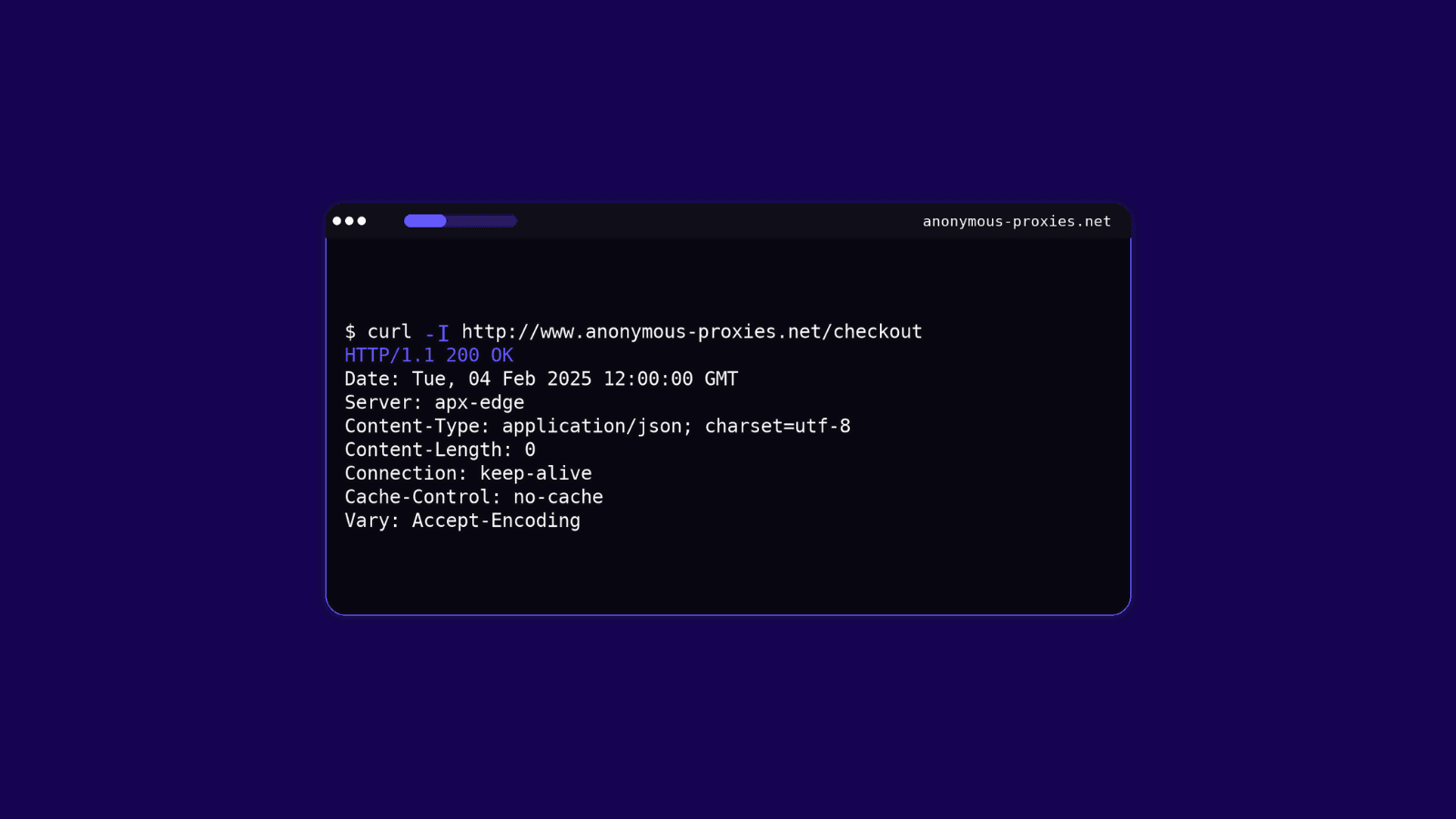
Start by looking at the status code and any diagnostic headers the server includes. Use -i to show headers above the body or combine -v with -o /dev/null to focus on the exchange. Many APIs echo a request ID in a header. If you see one, include it in your support ticket so the backend team can find your exact call.
Check your header syntax
Every header must be Name: value. Do not add spaces before the colon. Quote values that contain spaces, commas, or shell-sensitive characters. On Windows, prefer curl.exe so you get the real cURL and not a shell alias. If a header is not appearing in the echo output, the most common culprits are a missing colon, a mismatched quote, or the shell consuming characters.
Confirm the server supports the header
Some headers are hints, not commands. For example, a server might ignore Range or Accept-Encoding depending on configuration. A simple method is to first verify that your request carries the header by calling the echo endpoint in your code examples, then try the real service and compare behaviors. If you see no change, the server likely does not honor that header for the resource you are testing.
Mind potential case sensitivity pitfalls
HTTP header names are case insensitive by the standard. X-Request-ID and x-request-id are equivalent on the wire. Values are not universally case insensitive. Tokens like Bearer in the Authorization header are often written with a specific capitalization in docs. Follow the API examples exactly, including punctuation like quotes around ETags. One more gotcha is historical spelling. The correct header is Referer, not Referrer.
Conclusion
As you’ve learned above, you should now know the basics: what headers are, how cURL applies its defaults, and how to add, view, and troubleshoot them.
Also, when you are ready to scale or target specific regions, you should learn how route traffic through our residential proxies, and here's exactly the only cURL with proxy guide you need. If you need help tuning headers or configuring cURL through our proxies, don't hesitate to contact our support team and they will help you with any problems you've got.

Buy Backconnect Proxies
Rotating IPs on every request. Scale scraping and automation without manual IP management.