How To Integrate Anonymous Proxies With Xlogin Antidetect Browser
Below, I'll show you exactly how to integrate Anonymous Proxies with Xlogin browser in just a few minutes.
Step 1: Go To Anonymous Proxies Dashboard
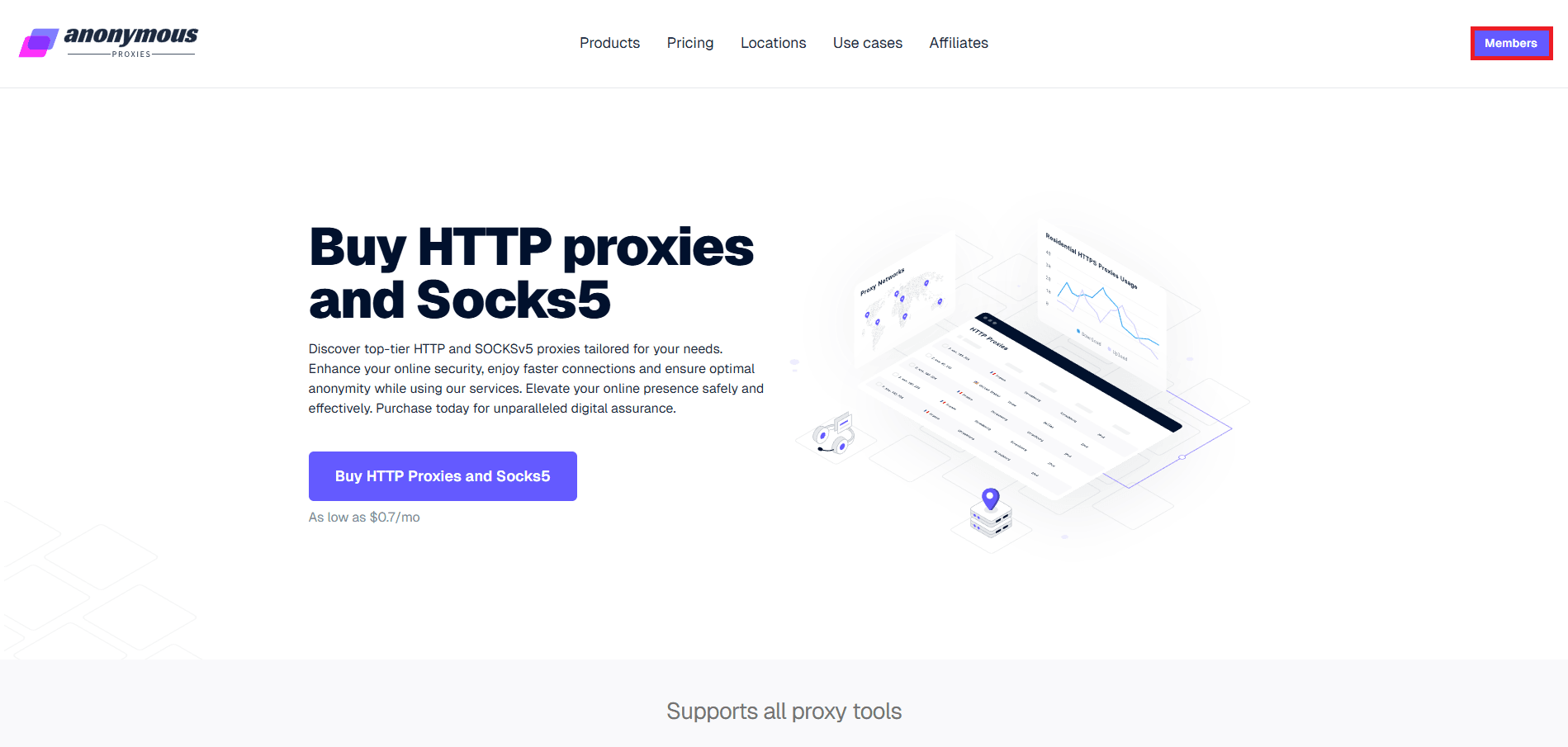
Open the "Members" area from the main site to access your account panel.
Step 2: Log In To The Anonymous Proxies Members Area
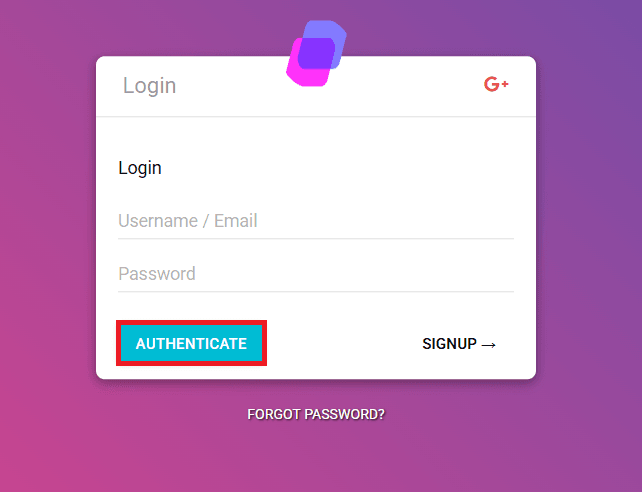
You'll need to enter your username and password, then click "Authenticate".
Step 3: Open Your Proxies List
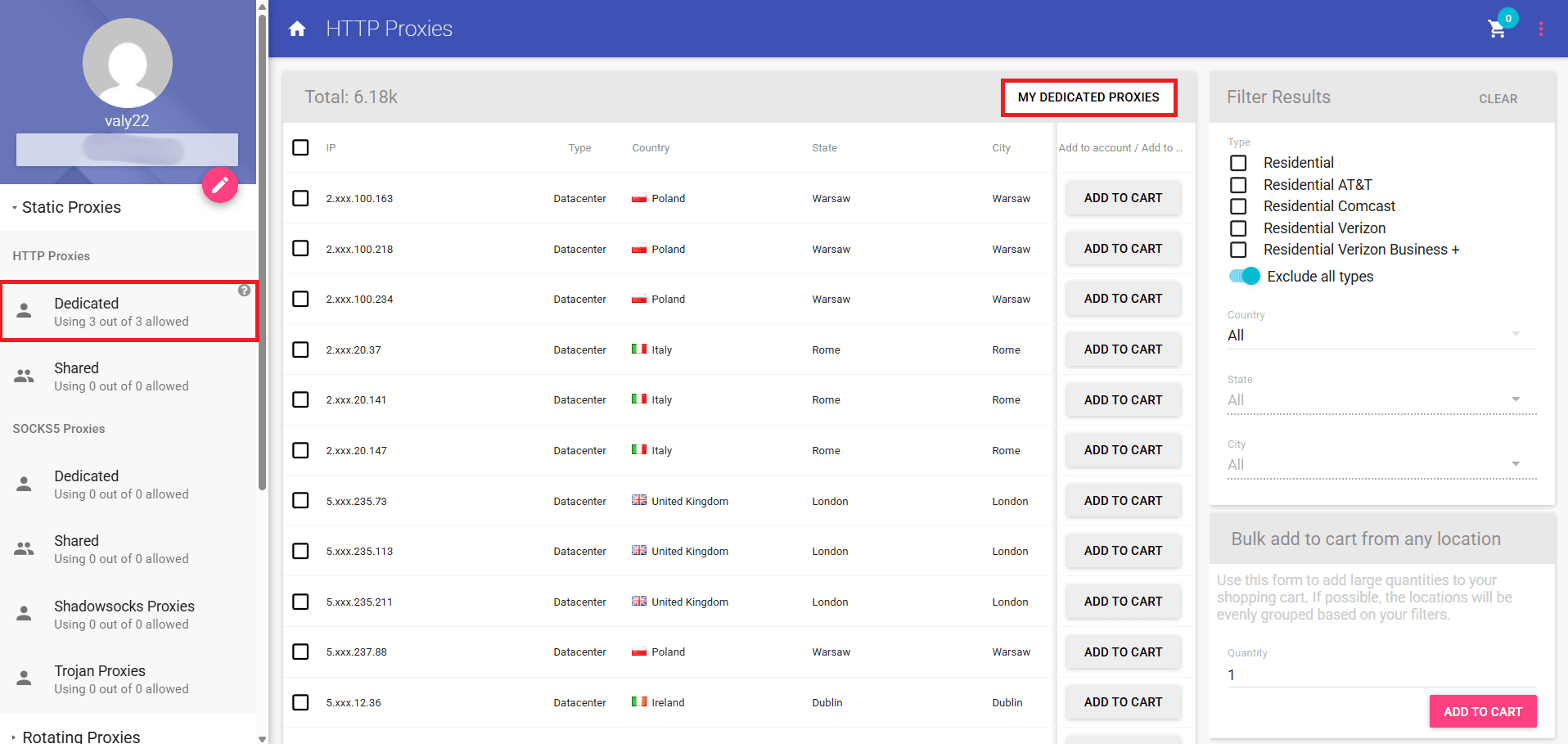
When you are in the dashboard, go to "My Dedicated Proxies" to see the IPs available in your plan.
Step 4: View Proxy Details
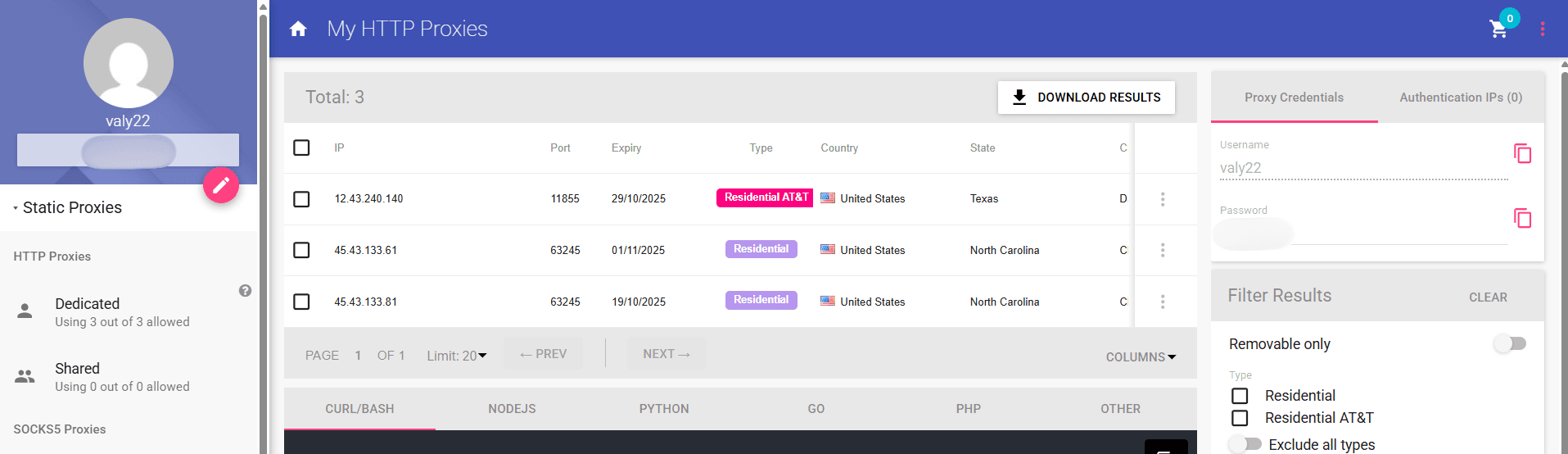
On this page, you will be able to see all the details you need for the Xlogin broswer profile, for example, the proxy's IP address, port, username, and password. If you don't want to use authentication, you can even whitelist your IP directly from the dashboard by clicking on "Authentication IPs" and choosing your own IP.
Step 5: Sign In To Xlogin
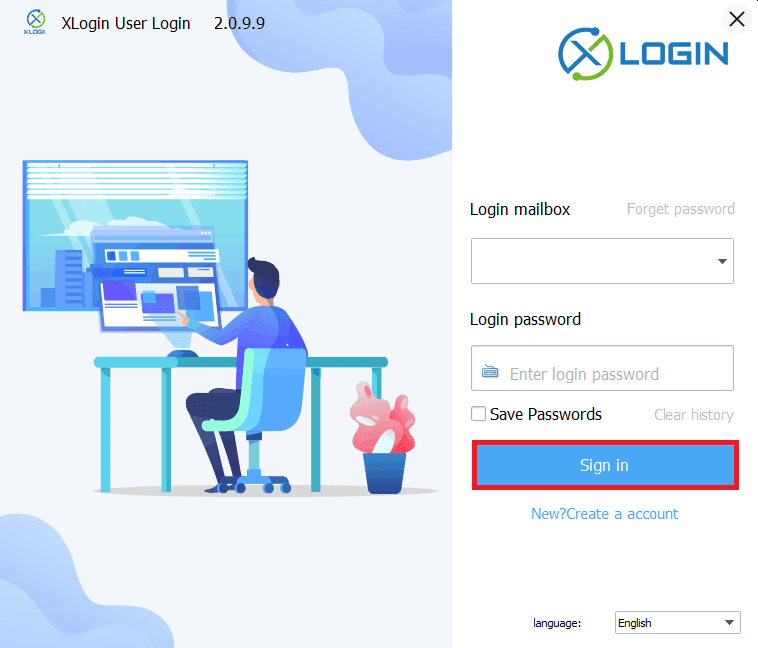
Once you have all the credentials ready, you can launch the Xlogin application on your device and sign in with your Xlogin credentials. If you don't have an account, try to create one right now, it takes you only one minute.
Step 6: Create A New Browser Profile
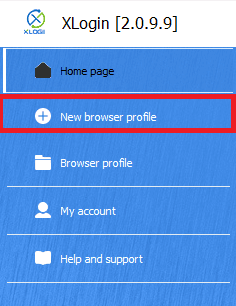
After you log in, you'll need to click "New Browser Profile". Also, XLogin offers a 3-day free trial.
Step 7: Open Proxy Settings
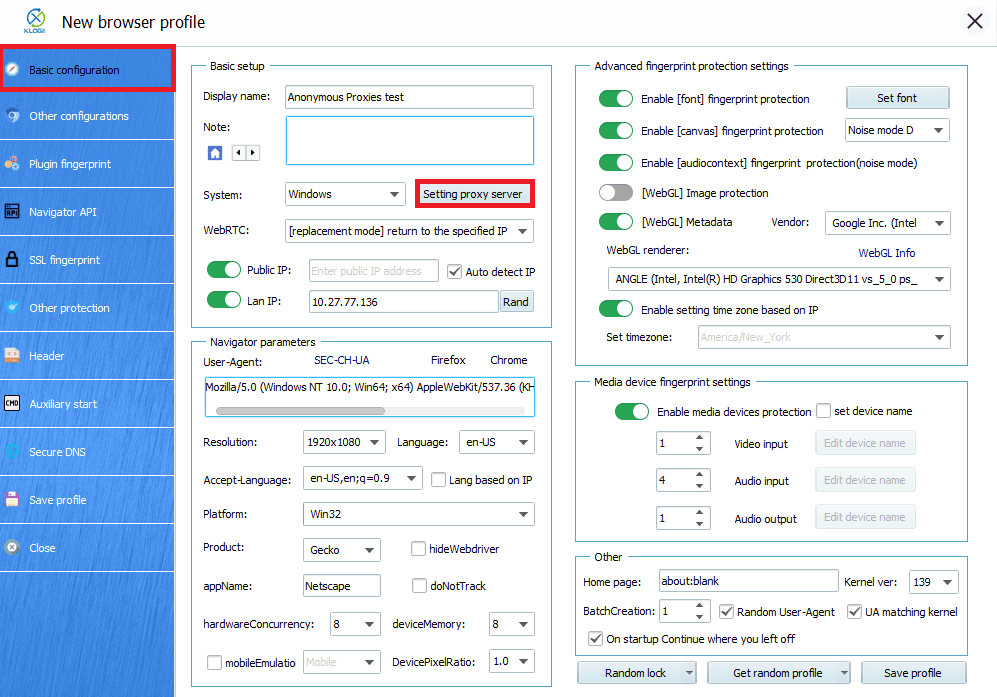
In the profile window, you can give your profile a clear name that matches your use case and then click on "Setting Proxy Server" to open the Proxy Settings for this profile.
Step 8: Enter Proxy Details
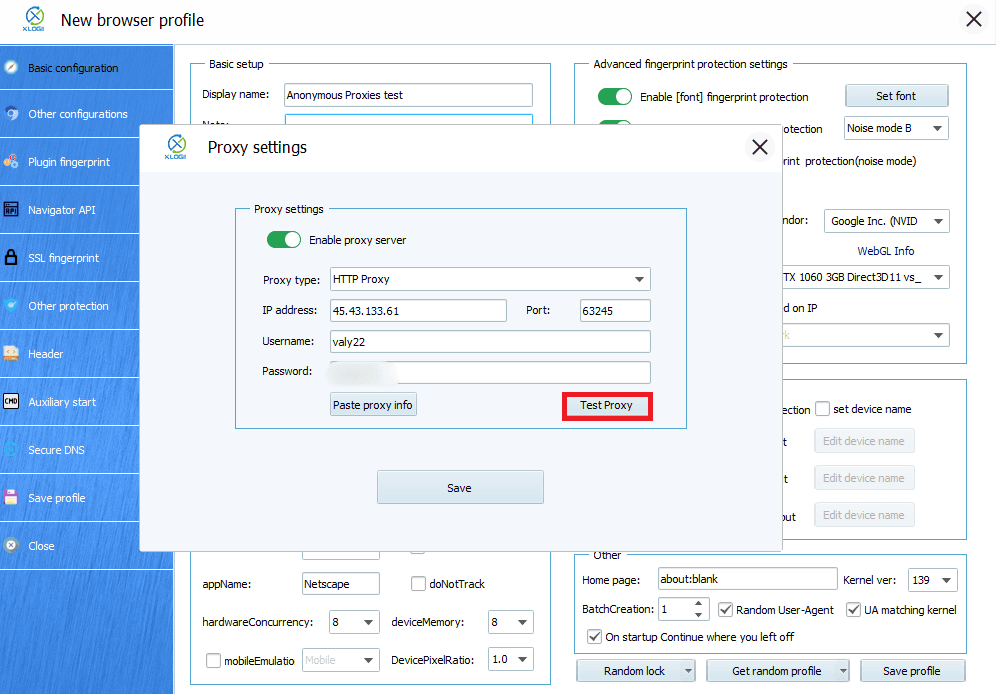
When the window of proxy settings appears, you'll need to toggle "Enable Proxy Server" firstly. Then, you can choose what proxy type you are going to use, for this example we will select HTTP, but if you have a SOCKS5 proxy, then you'll need to select that one. All what remains to do right now, is to enter your proxy credentials. Once you entered your proxy credentials, click on the "Test Proxy" button.
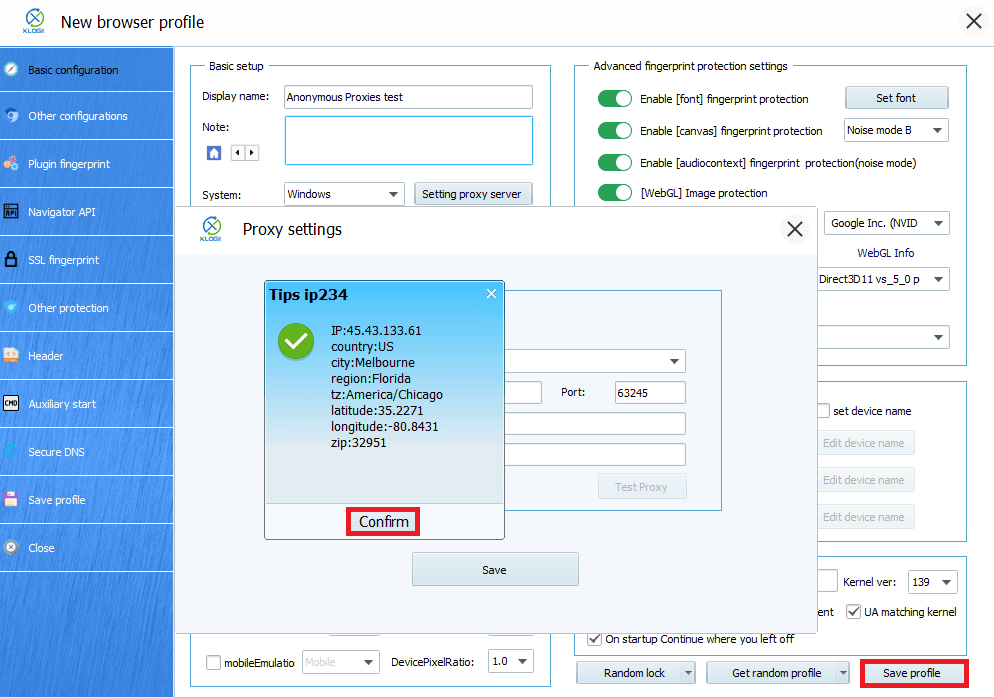
Step 9: Test The Connection and Save The Profile
After you clicked on the "Test Proxy" button, a success message should show your proxy's country and city. Once you see that the connection is successfull click on "Confirm", then hit the "Save" button in the Proxy Settings window, and then "Save Profile".
That's it! All traffic from this profile now routes through your purchased proxy while Xlogin maintains the fingerprint you configured.
Wrap Up
Now you should know what Xlogin is, what it can do, and how you can integrate Anonymous Proxies with it. This profile you've created will make you ready to browse with stronger privacy, higher trust, and spot-on location targeting. And if you ever need help, you can contact our support team which is here for you 24/7. For more tips and step-by-step guides, you can visit our integrations page.